Read without distraction.
Clean typography turns long Markdown documents into comfortable reading.
 Mossmark
LOCAL-FIRST MARKDOWN
Write with focus, read with clarity, and keep every document under your control. Mossmark is made for iPhone, iPad, and Mac.
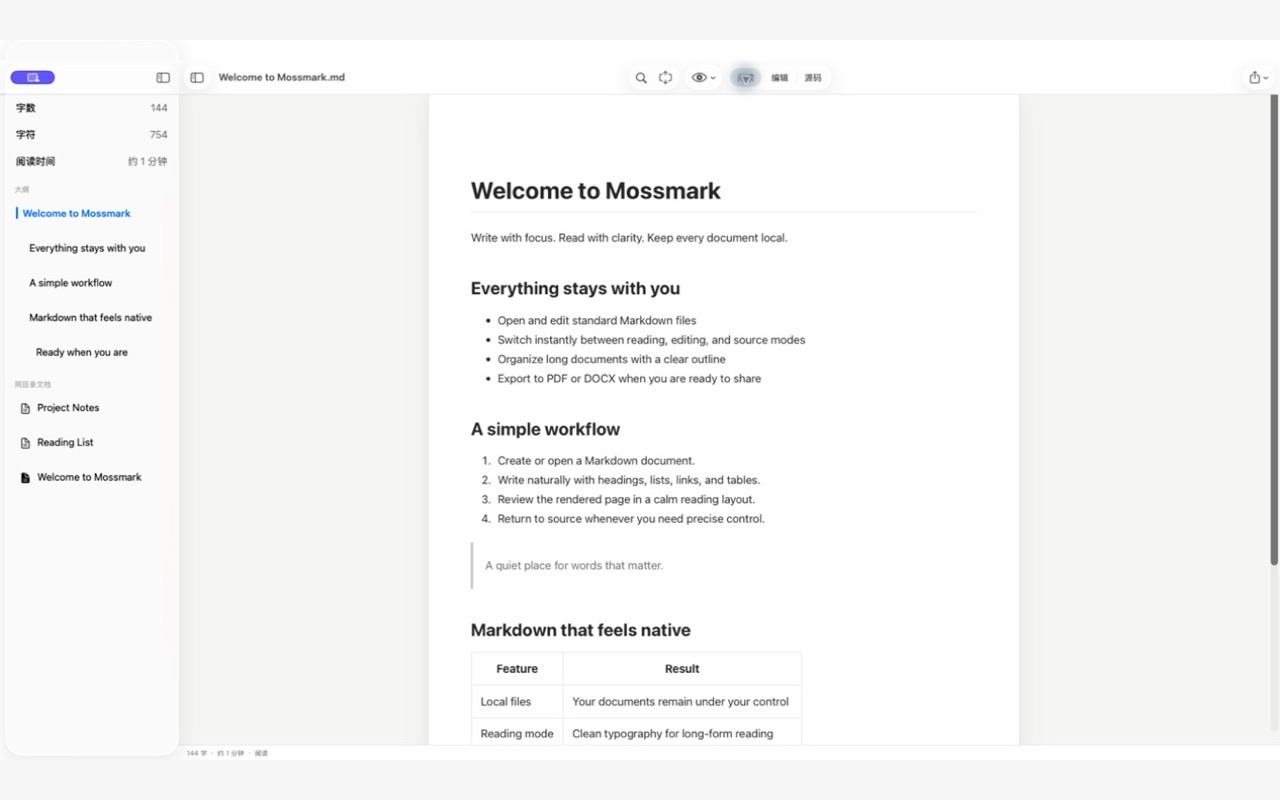
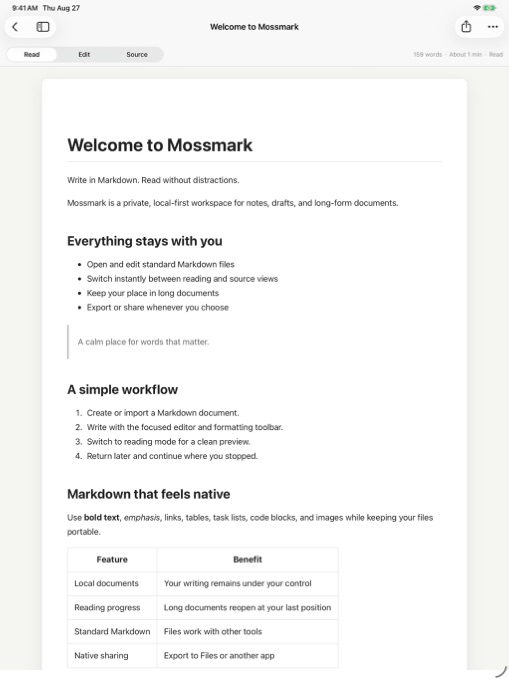
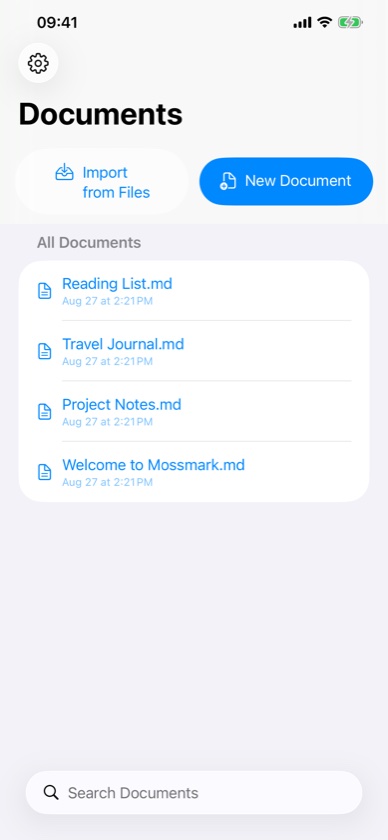
Open a standard Markdown file.
Move naturally between reading and writing.
Share it in the format you need.
ONE DOCUMENT, THREE VIEWS
Move instantly between a quiet preview, a native-feeling editor, and the exact Markdown source.
Clean typography turns long Markdown documents into comfortable reading.
A focused formatting bar keeps common Markdown structures close at hand.
Inspect and edit every Markdown character whenever the source matters.
DESIGNED AROUND YOUR FILES
Your documents stay in locations you choose and are processed locally. Mossmark has no account system or developer-operated backend.
Work with portable .md files instead of locking your writing into a proprietary library.
Share Markdown directly or export supported formats such as PDF and DOCX.
A familiar experience across iPhone, iPad, and Mac, shaped for each screen.
PRIVATE BY DEFAULT
SUPPORT
Create a Markdown document in the document library, or import an existing .md file from Files. Switch among Read, Edit, and Source modes from the document toolbar.
Mossmark works with standard Markdown files. On iPhone and iPad, imported images are copied into a local images folder beside the document.
Use the Share button to share Markdown or export supported formats such as PDF and DOCX to Files or another app.
All document features are free. The consumable In-App Purchase in Settings is a voluntary tip and does not unlock any feature or content.
Include the Mossmark version, your Apple platform, and steps that reproduce the problem. Never attach private documents or sensitive information.